Moving off Google Analytics
The safe way to leave Google Analytics is to run your new tool alongside it for two to four weeks, keep Google Analytics read-only for your history, then remove its tag and, if nothing else needs it, your cookie banner. Here is the whole process, and an honest list of what you give up.
Why people switch
- Cookie banners: Google Analytics uses cookies, so in the UK and EU it needs consent. Many visitors decline, so you don't see them anyway.
- Complexity: GA4 is built for marketing teams with time to build reports. Most site owners want a few clear answers.
- Privacy: your visitors' data goes to Google. A cookie-free tool that stores no personal data is simpler to explain and to comply with.
Step 1: run both for two to four weeks
Add the new tool without removing Google Analytics. Compare the trends, not the exact numbers: tools count differently, and a cookie-free tool usually removes more bots while counting people who declined cookies. How we count explains the differences for Seebly.
Step 2: keep your history
Don't delete your Google Analytics property. Leave it in place as a read-only archive, and export the few reports you rely on (for example yearly traffic by source and top pages) to a spreadsheet. GA4 keeps detailed data for a limited time, so export anything you'll want later.
Step 3: map what you used
- Users become visitors, and sessions become visits.
- Key events (conversions) become goals: a page visited, time on site, a country, or a button click.
- Funnel explorations become funnels: pick the steps (say home page, pricing, sign-up) and see where people leave.
- Default channel groups become sources: search, social, links, direct, and AI assistants as their own source.
- Search Console links stay: connect Google Search Console (and Bing) directly. See Search Console in your analytics.
Step 4: remove the tag, and maybe the banner
Remove the Google tag from your site (or from Google Tag Manager). If Google Analytics was the only reason for your cookie banner, you can usually remove the banner too. Check first: advertising pixels, embedded videos and chat widgets can set cookies of their own. Then update your privacy policy to name your new analytics tool.
What you give up
Be sure these don't matter to you before switching:
- Audiences and conversion data sent straight to Google Ads.
- Demographics and interests (which rely on Google's own signals).
- Very detailed custom reports built in Explorations. (Seebly has funnels, and you can ask it any question in plain English, which covers most of what people use Explorations for.)
For most blogs, product sites, side projects and small businesses, none of these get used. For a team running large ad budgets, they might.
Where Seebly fits
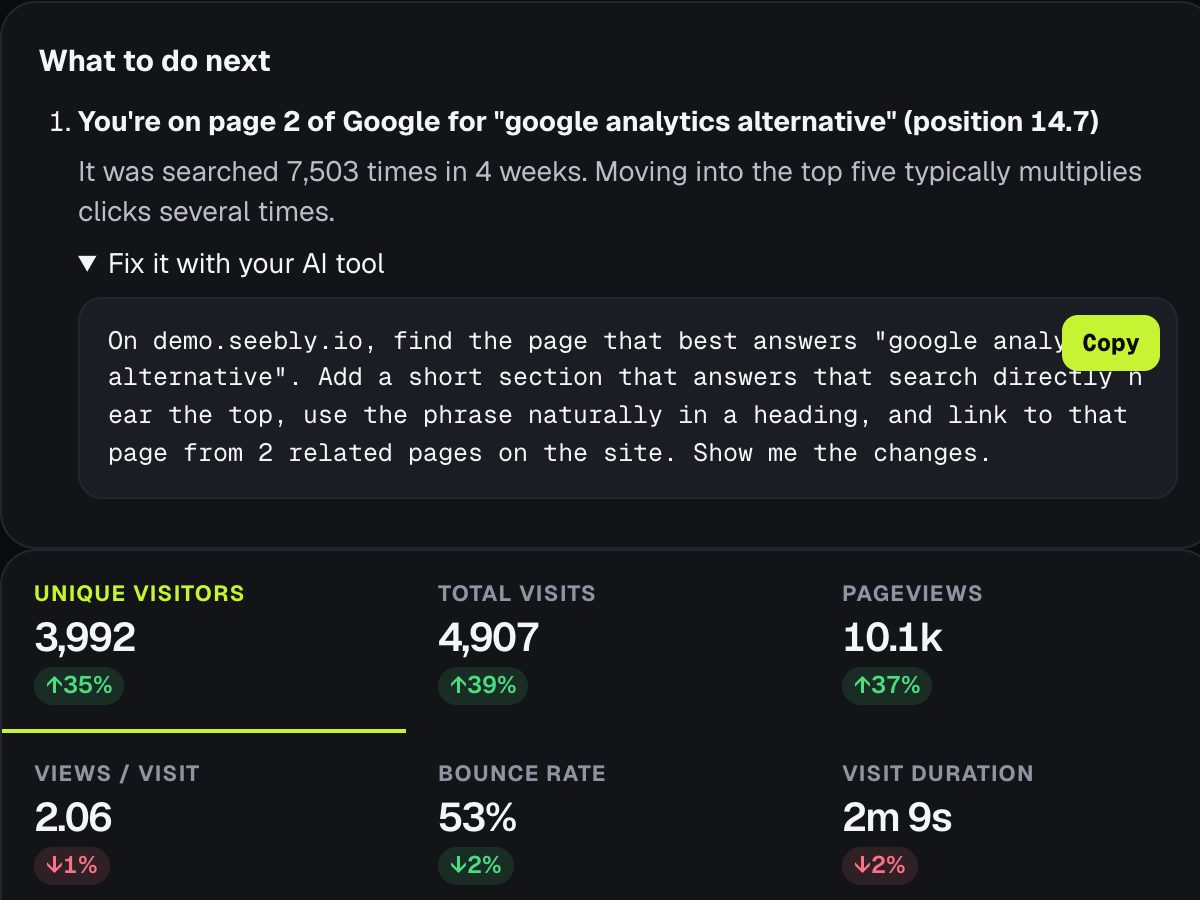
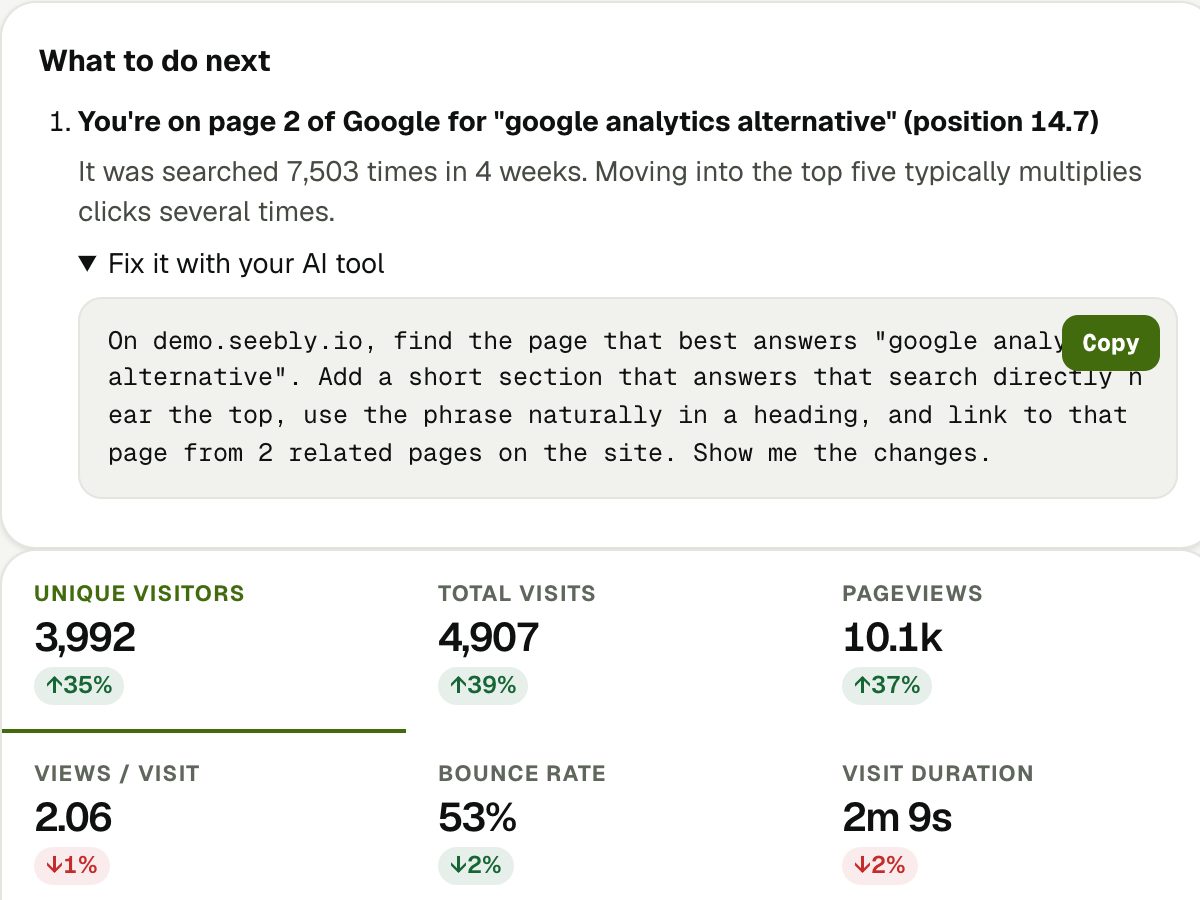
Seebly is built for the first group: one simple page with real people only, where they came from (including ChatGPT and other AI assistants), what they searched on Google and Bing, and a plain-English summary of what changed and what to do next. It sets no cookies and is free for one site.
Last updated 1 November 2026. More guides: Google Analytics alternatives · Do you need a cookie banner for analytics? · What is a good bounce rate? · Google Search Console in your analytics · All guides